Mounted Files Adapter
The built-in mounted files adapter (also called "local file adapter") allows to read and write files in directories that are mounted (as volumes) into the runtime container. It currently enables mapping
- DATAFRAME input/outputs to .csv (and variants like csv.zip), .xlsx / .xls / .odf, .parquet or .h5 files using corresponding Pandas functions
- ANY input/outputs to .pkl files using Python's builtin pickle module for object serialization.
It is even possible to add your own file handlers for your file format.
One purpose of this adapter is to access data from files, typically
- at early exploratory stages of an analytical project.
- if these data files are too large for manual input, i.e. data files exceeeding several hundred lines etc.
Furthermore even some production setups may work with data files instead of proper databases, for example via mounted SFTP directories or NFS shares.
Note however that the local file adapter does not come with guarantees like atomic read/write operations, proper file locking etc which may reduce its applicability for such production scenarios!
This built-in adapter is an example of a general custom adapter.
Configuration
This section explains how to make directories available for the local file adapter via the default docker-compose setup.
Mounting directories
First a directory must be mounted into the runtime service. The default docker compose file includes a configuration for a directory with demo data:
You can for example replace the path ./runtime/demodata/local_files with a path to a directory on your machine. Note that you can mount multiple volumes this way by adding more than one such volume mounts to make multiple directories available.
Configuring the runtime
The local file adapter is built into the runtime and needs to know which mounted directories it should offer. This is configured via the environment variable RUNTIME_LOCAL_FILE_ADAPTER_LOCAL_DIRECTORIES of the runtime service which accepts a json-string containing a json-list of all mounted directories:
  hetida-designer-runtime:
    ...
    environment:
      RUNTIME_LOCAL_FILE_ADAPTER_LOCAL_DIRECTORIES: '["/mnt/mounted_local_files"]'
Configuring the backend
Additionally the local file adapter itself needs to be registered in the designer backend. In the default docker-compose setup the local file adapter's part of the environment variable looks like this:
local-file-adapter|Local-File-Adapter|http://localhost:8090/adapters/localfile|http://hetida-designer-runtime:8090/adapters/localfile
If you have not changed anything else in your setup you may just leave this as is.
Configuring generic sinks
By default a generic sink for ANY type outputs is offered at each subdirectory of the configured local directories, allowing to write to generically named .pkl files. You can turn this off via setting the environment variable RUNTIME_LOCAL_FILE_ADAPTER_GENERIC_ANY_SINKS to false.
When used these generic sinks create files with name consisiting of timestamp at writing time and the job_id of the execution job.
Usage
Basic Usage
After having made adaptions to the configuration described above you need to (re)start with
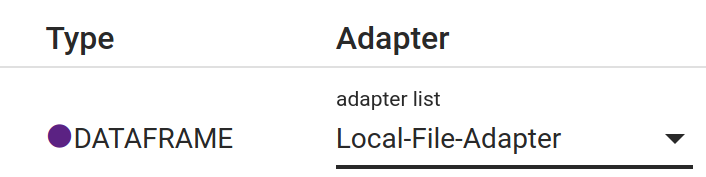
Now all mounted directories and included local files with known extensions (.csv, .excel, .pkl, ...) should be available via selecting "Local File Adapter" in the Execution dialog:
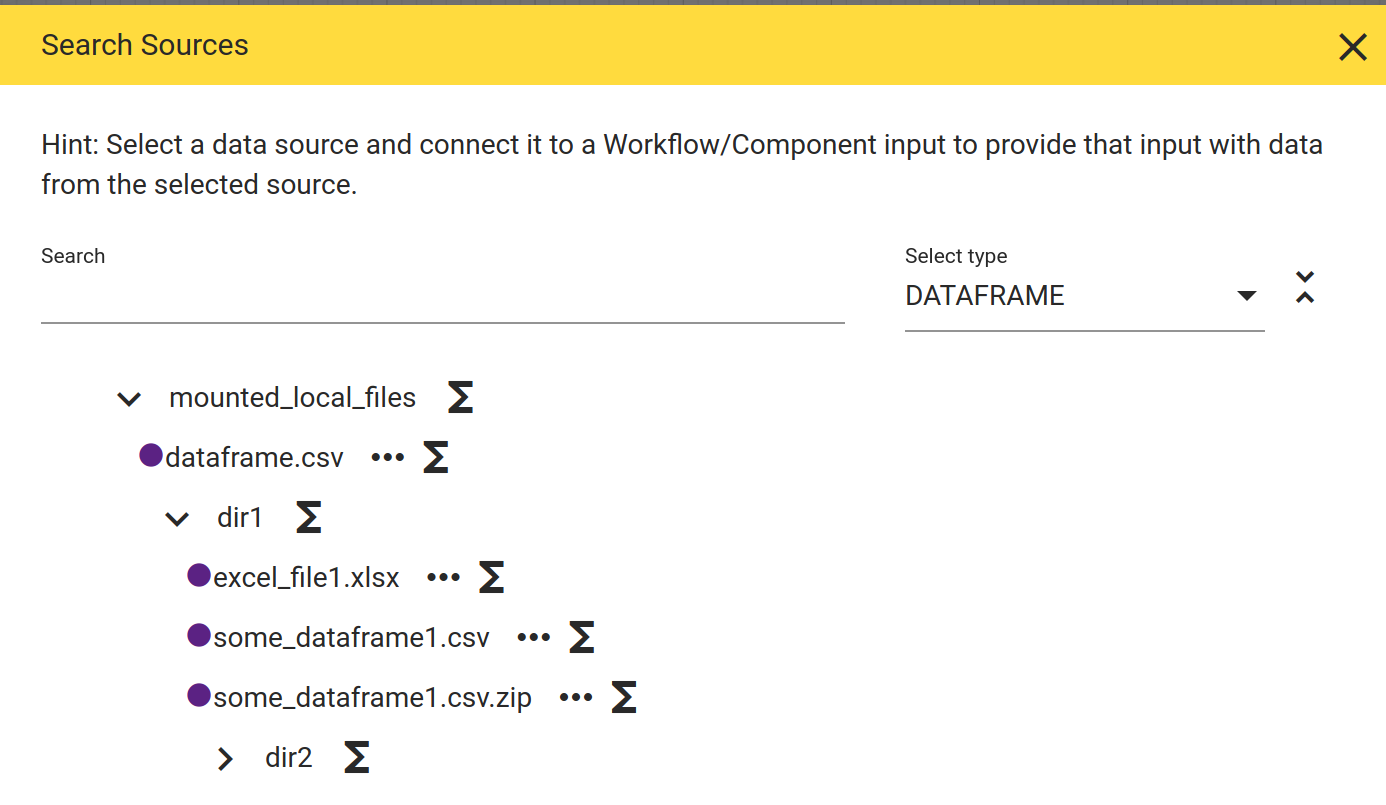
This makes them available for reading with default settings, e.g. the default settings employed by the corresponding Pandas functions read_csv or read_excel for dataframes. The next sections describe how to
-
allow writing of files
-
use different settings for reading/writing than the default settings
Accompanying .settings.json - Writing and load/write settings
Allowing writing of files and also configuring the settings for loading / writing is done via an accompanying file starting with the same name but with .settings.json appended. E.g. if you have a file /my/dir/data.csv you may place a file /my/dir/data.csv.settings.json beside it. This new file contains a json object structured as follows:
{
    "loadable": true,
    "load_settings": {
        "sep": ";"
    },
    "writable": true,
    "write_settings": {
        "sep": ";"
    }
}
The entries loadable and writable are self-explanatory – you only need to know that at least one of them must be true. Note that if writable is true this allows overwriting of the file if it exists. Furthermore: If the file does not exists a .settings.json file with writable set to true nevertheless may be placed to allow to create/write that file.
The load_settings and write_settings contain a keyword-to-value mapping which is passed as **kwargs to the respective loading/writing function (in case of csv for example the Pandas read_csv function). This allows to configure all the settings supported by these functions.
Adding your own file formats
The local file adapter is not restricted to the built-in supported file formats – you can add/register your own code for loading / writing your use case specific file format. This is done in the hetdesrun_config.py in a straight-forward way. See there for further details and use the existing configuration for csv and excel or pickle files as examples/guideline on how to integrate your own file format.