Get started
Getting Started with hetida designer
Docker-compose setup
hetida designer consists of multiple containerized services and is meant to run on a Kubernetes cluster in production. To try and run hetida designer locally on a single machine it includes a docker-compose setup.
Run
git clone https://github.com/hetida/hetida-designer.git

cd hetida-designer && git checkout release

docker-compose up -d
to start the provided docker compose setup (docker-compose.yml).
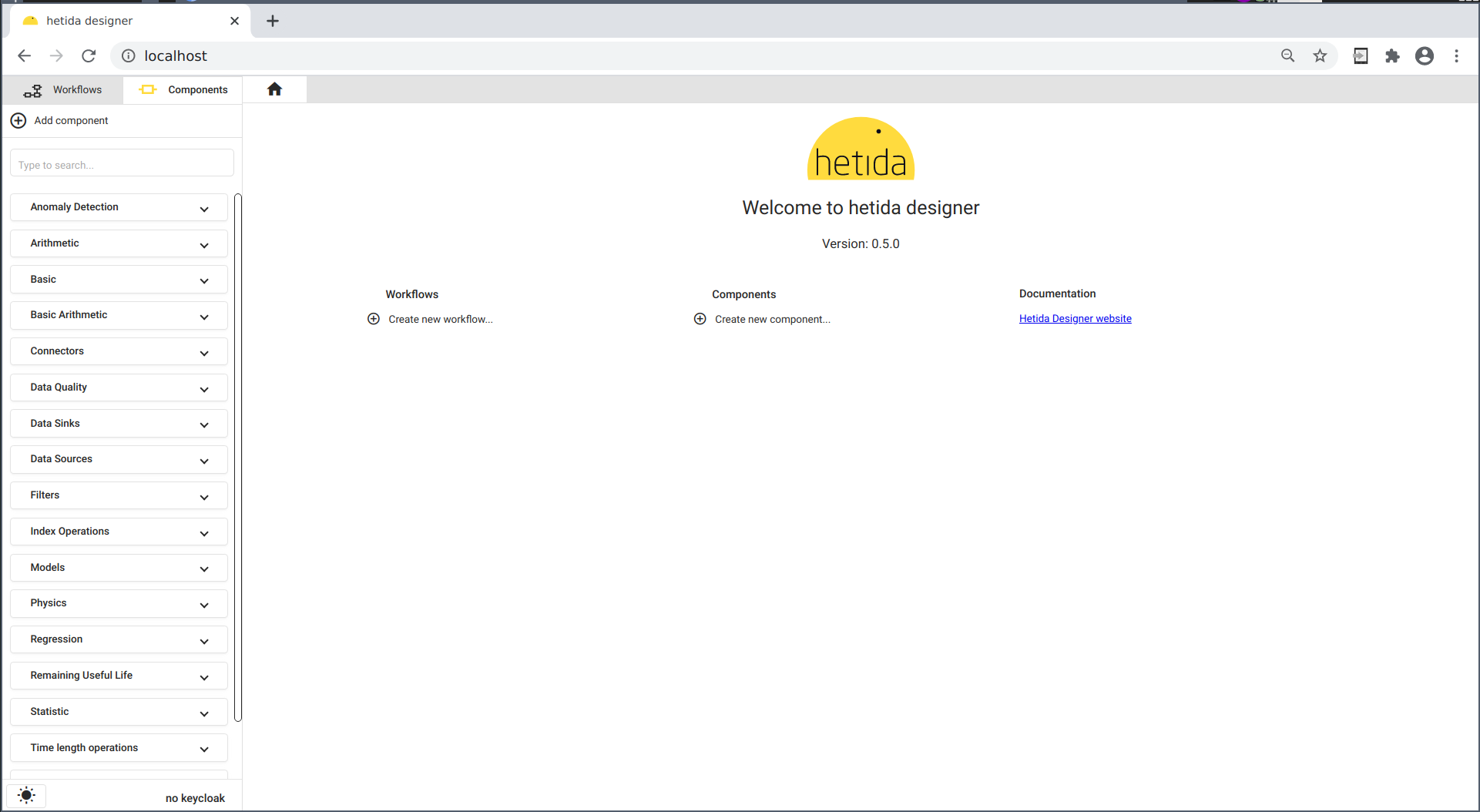
Then open http://localhost/ in your browser to access the hetida designer's web user interface:
Next Steps
From here we recommend working through the tutorials starting either with basic concepts or jumping directly into component / workflow development.